Document scanning
Capture with your camera, adjust pages and export PDFs. Options depend on Android device compatibility.
 RivoScan
Turn photos and paper documents into PDFs. Merge, rotate, reorder, sign visually and convert files from your phone.
Capture with your camera, adjust pages and export PDFs. Options depend on Android device compatibility.
Merge, extract, rotate and organize pages, add notes and visual signatures, and export PDF pages as images.
Recognize text locally after downloading language models. Optional AI features connect to a provider only when requested by you.
Eight complete, uncropped screens from RivoScan 0.45.40 — view the interface as captured from the app's WebView, not AI illustrations.
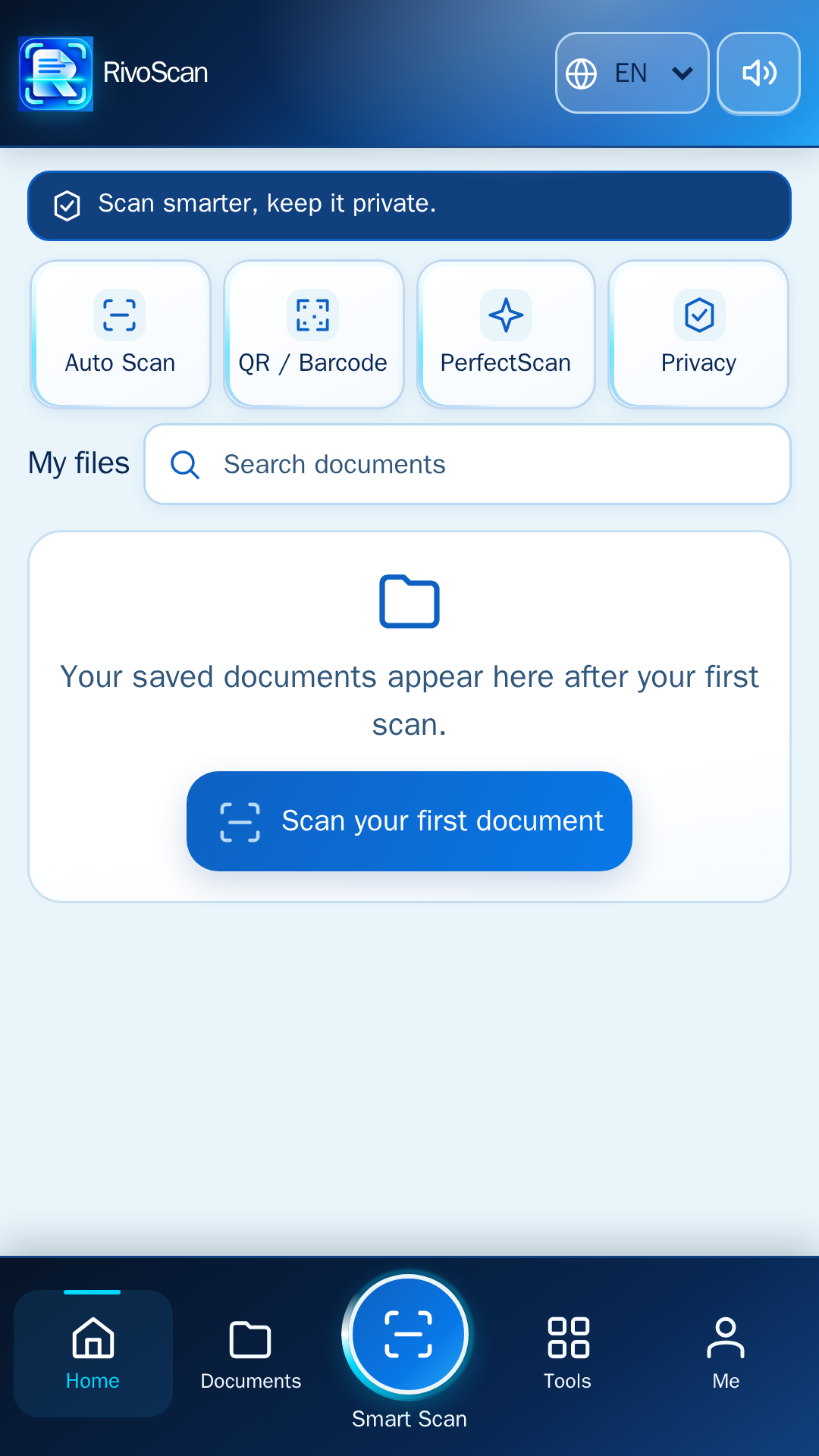
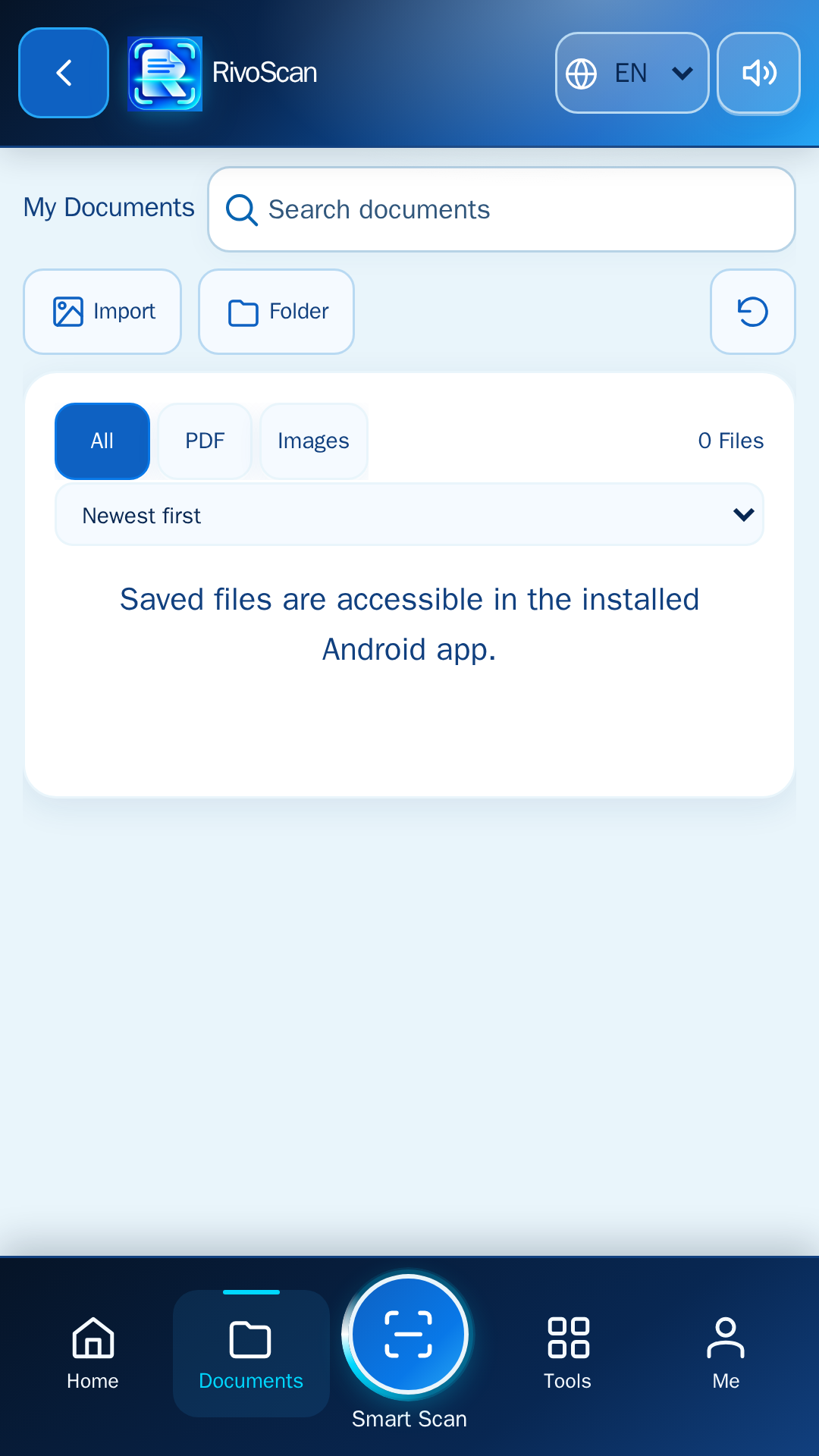
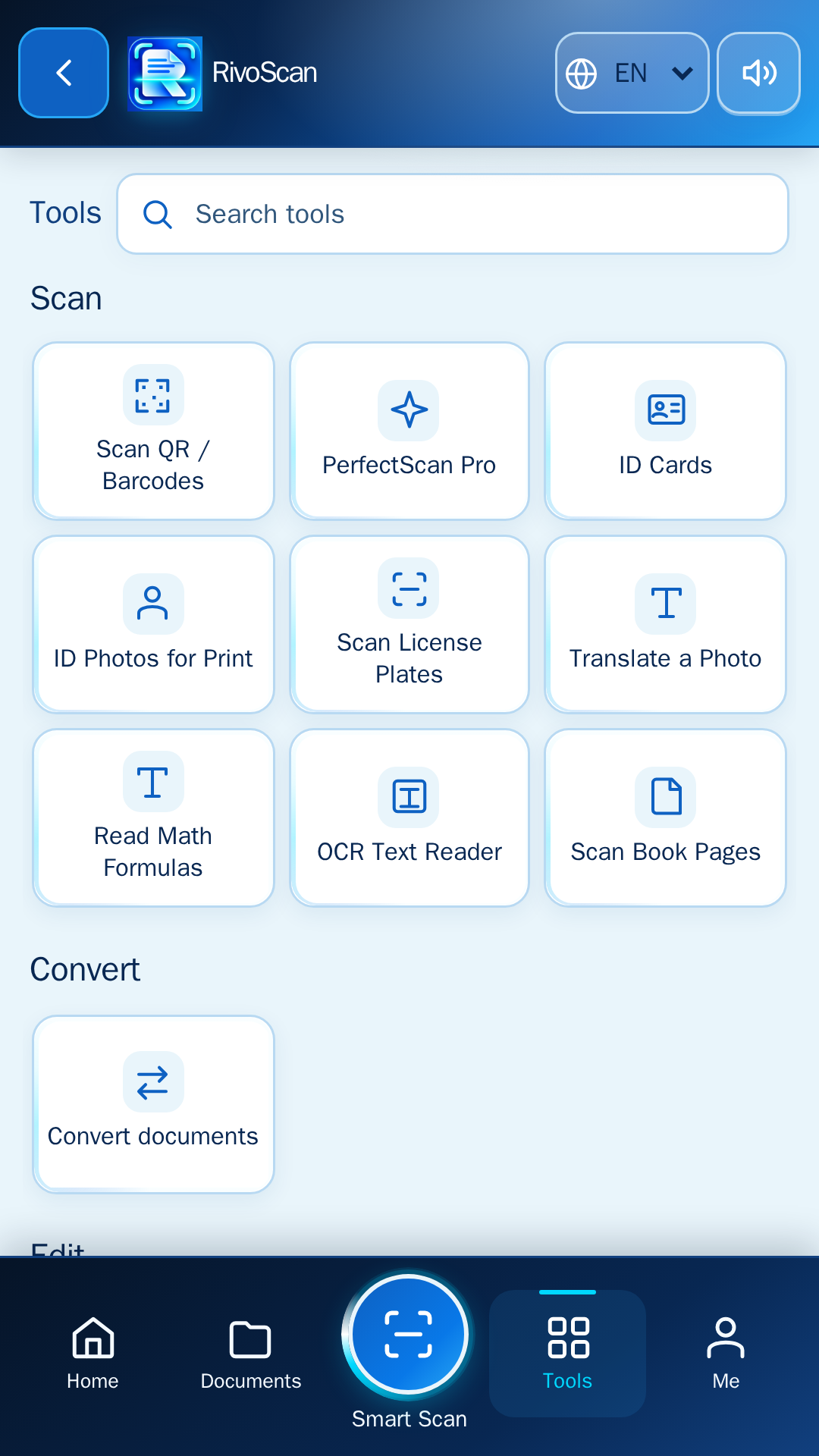
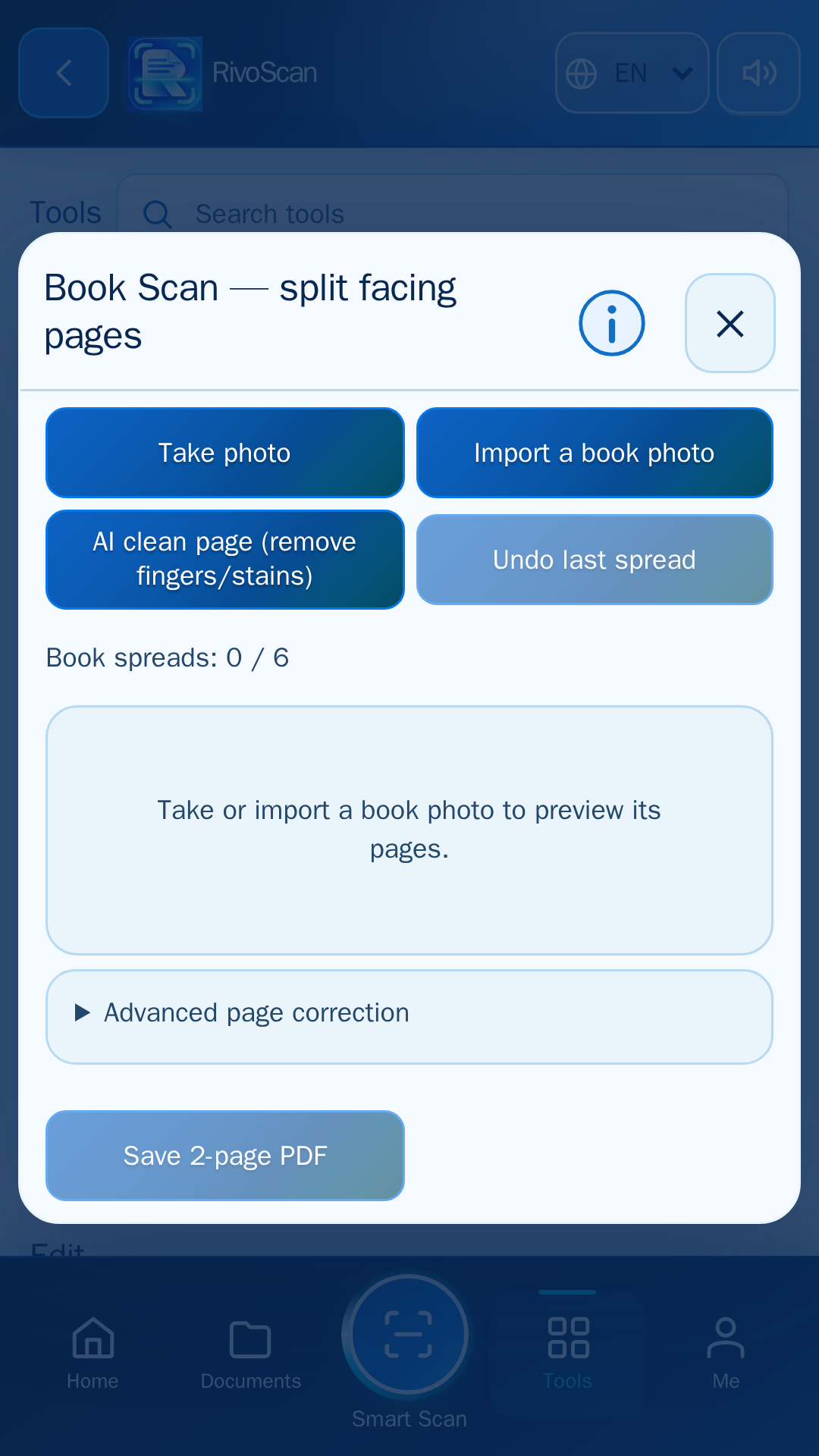
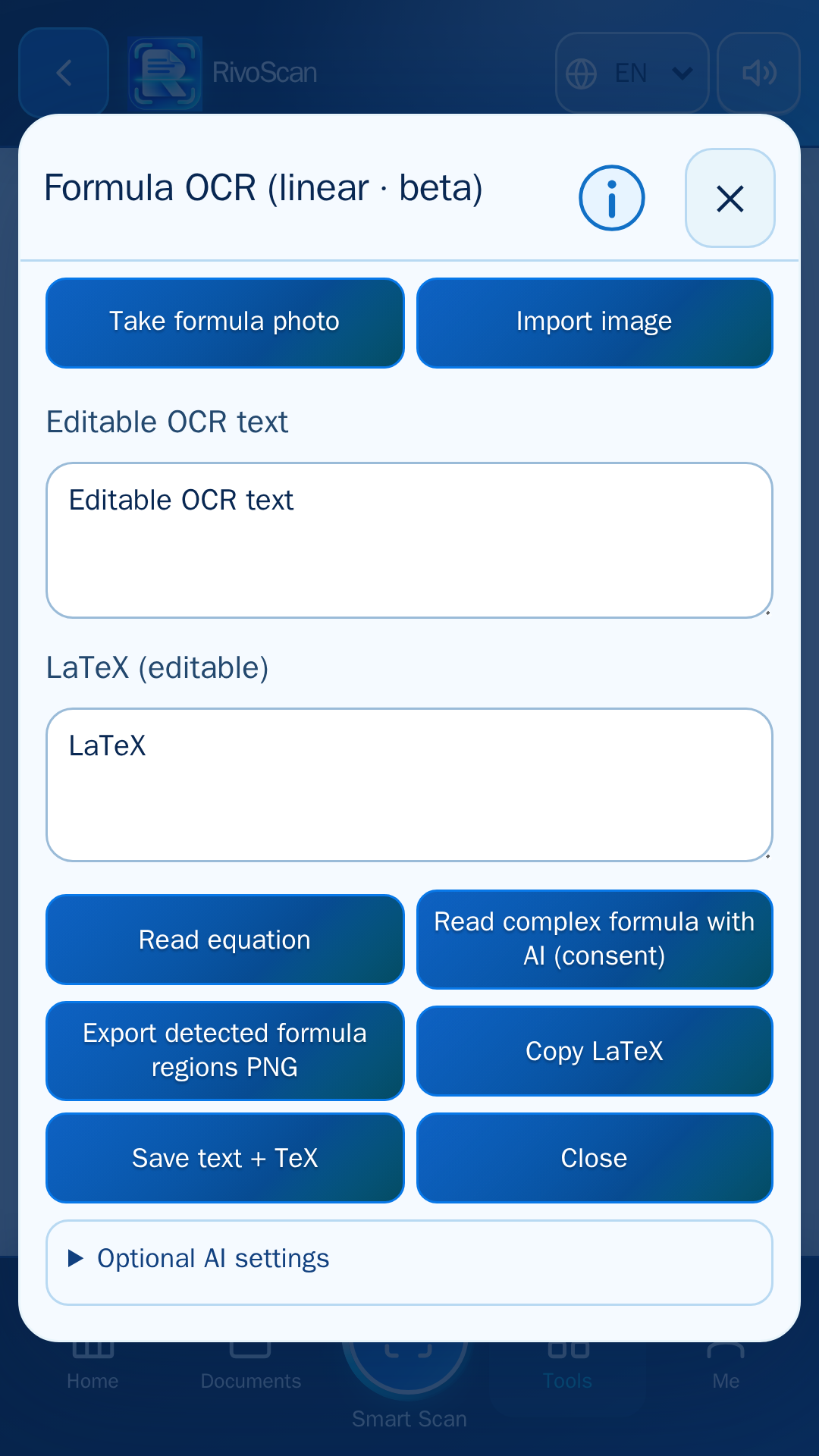
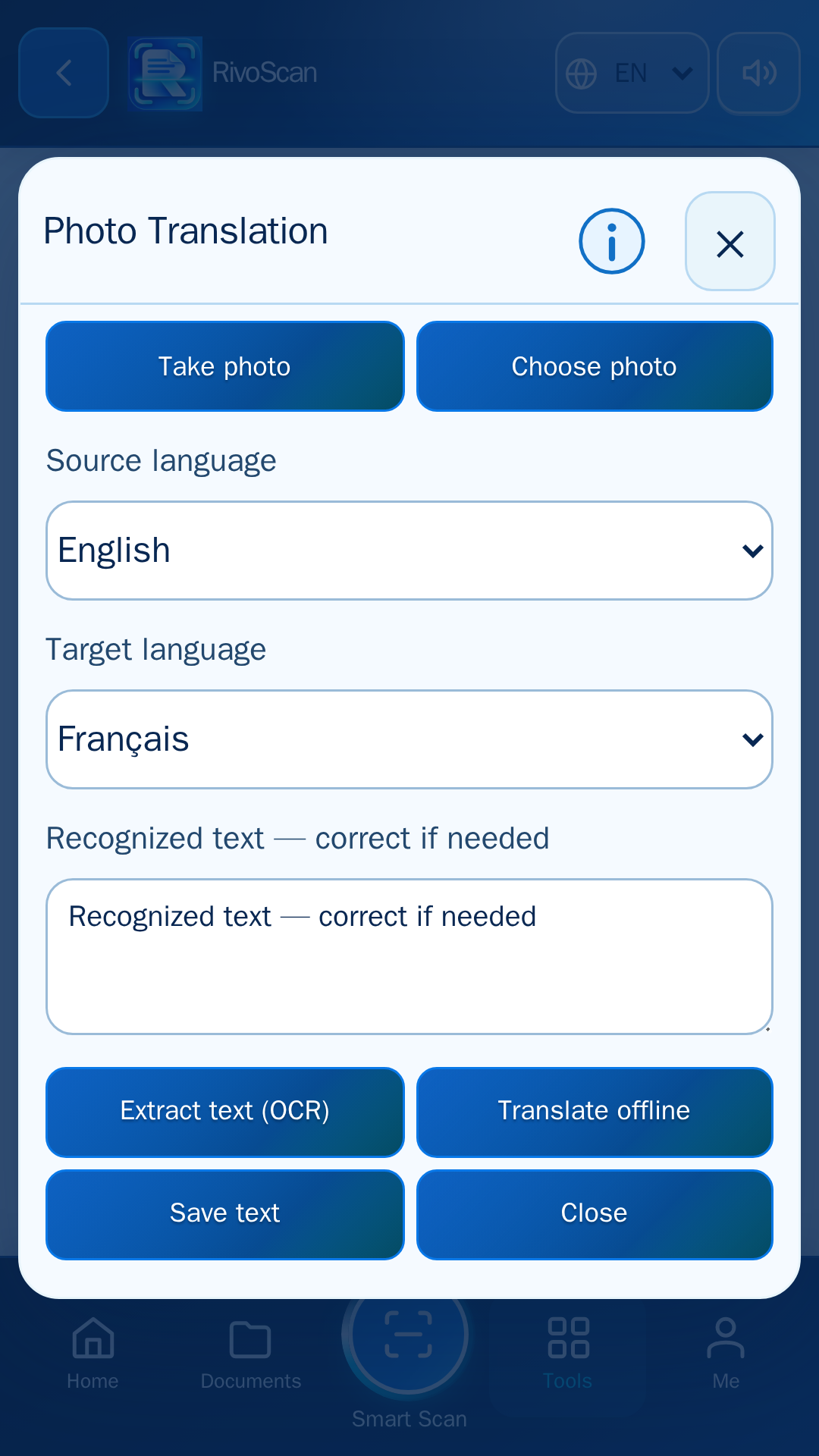
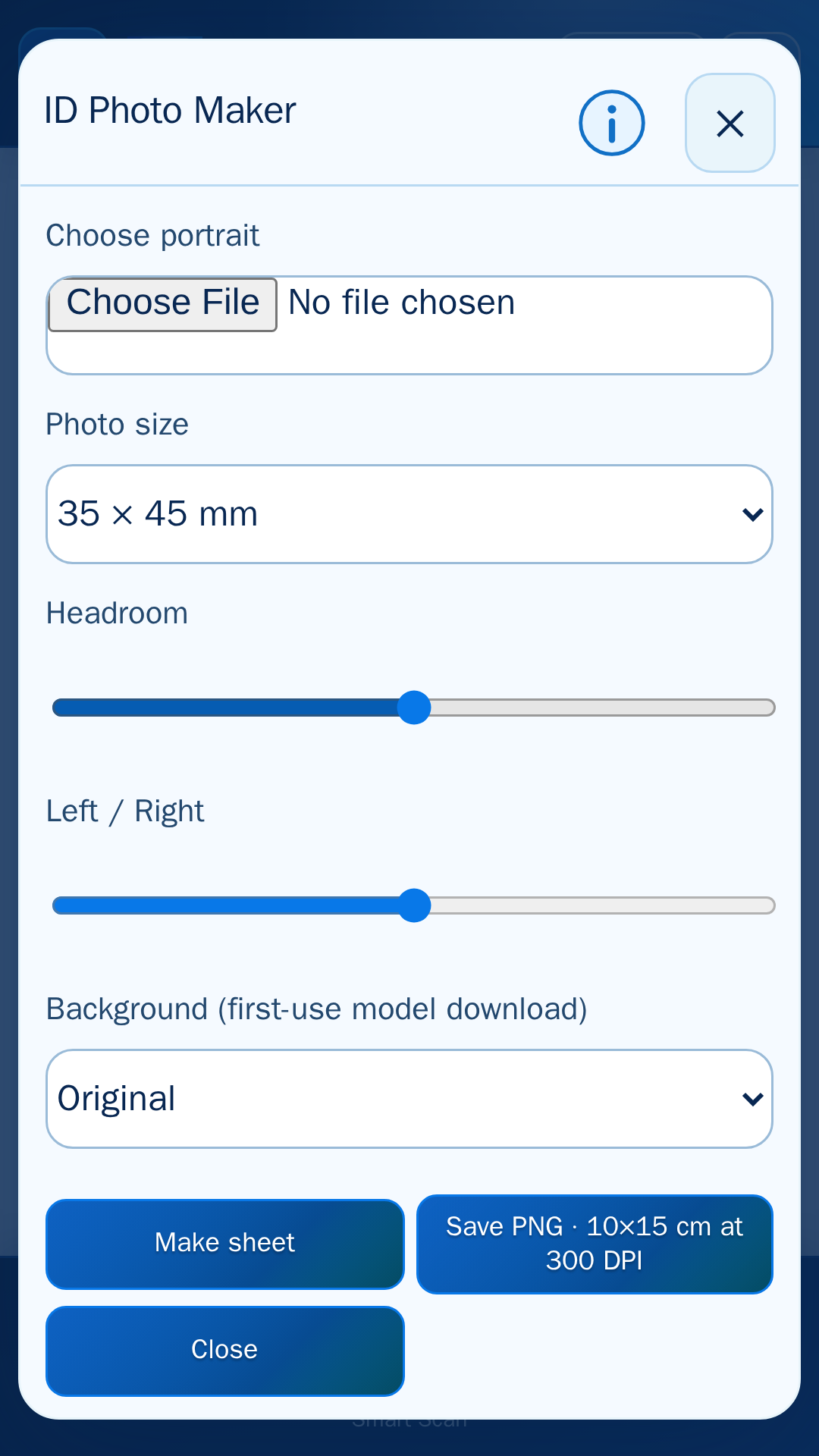
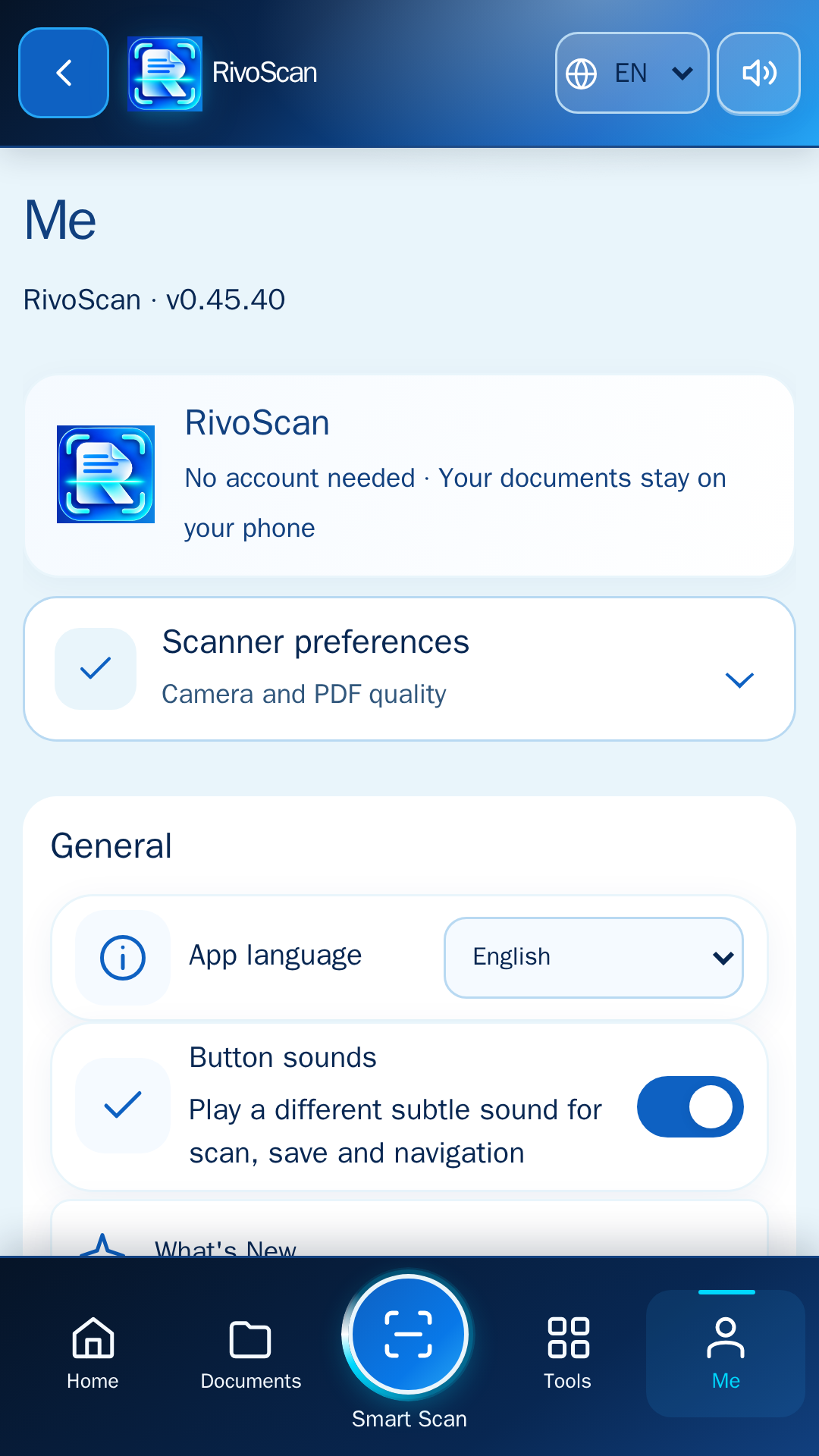
Captured app UI. Camera scanning, downloads and certain functions may work differently on a physical Android device. Published by Mor Inc on Google Play. Google Play (Français).